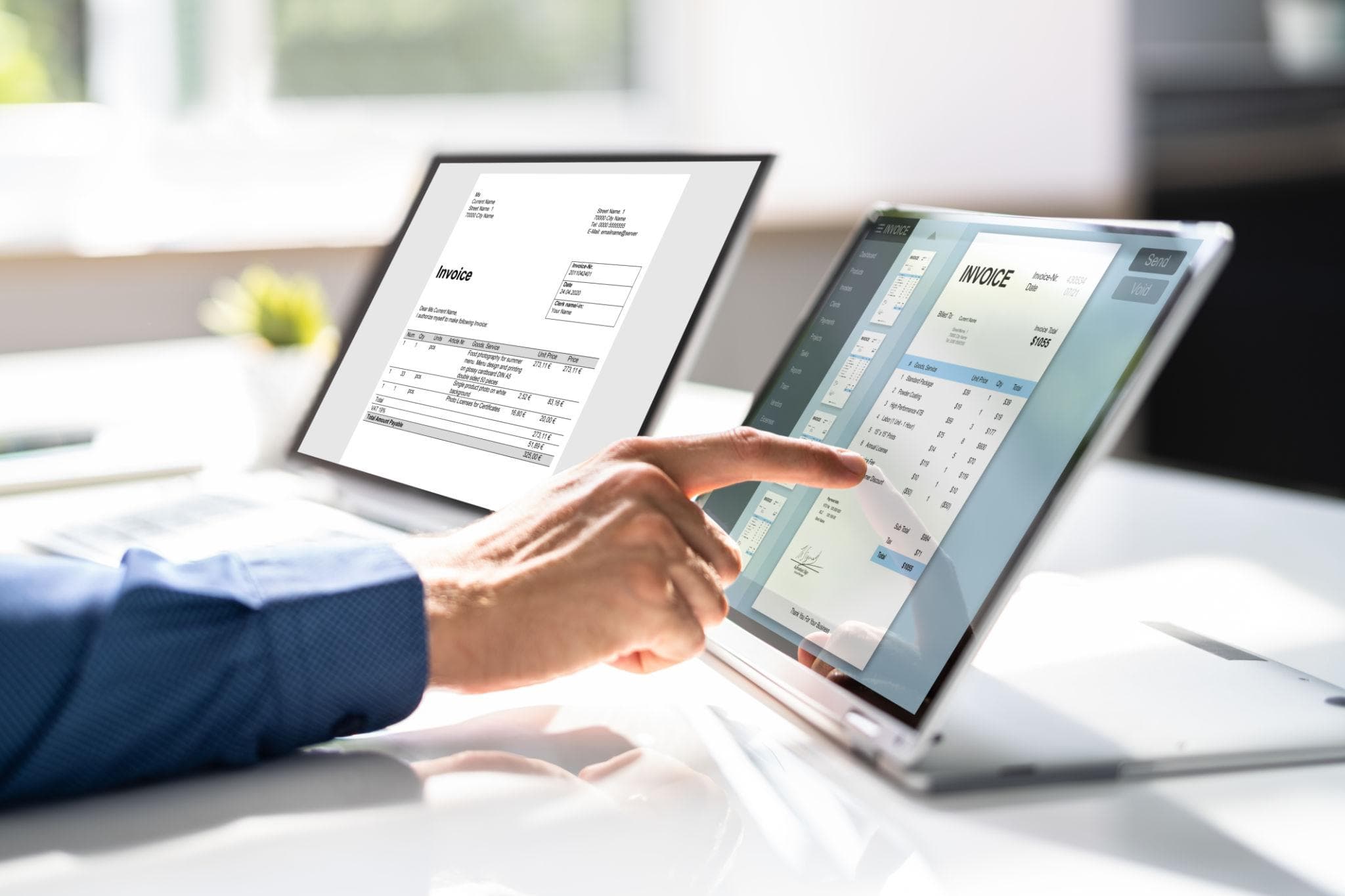
Running an ecommerce store involves more than just accepting orders. Each order needs to be processed, documented, printed, and often shared with customers or internal teams. While this part of the workflow is easy to overlook at the beginning, it becomes increasingly important as order volume grows.
While our core product, PDF Generator API, gives developers the tools to build custom document generation into any system from scratch, we often hear from store owners who just want a ready-to-use solution without writing any code. That is exactly why we built our sister app, Printout Designer, specifically for ecommerce platforms.
If you are running a store on platforms like Shopify or BigCommerce, there is a good chance your document workflow still includes manual steps. Opening an order, downloading an invoice, printing a packing slip, and sending confirmation emails manually is a common setup, especially in early stages.
The process itself is not wrong, but it does not scale. What takes a few minutes per order quickly turns into hours of repetitive work as the number of orders increases. This is where ecommerce print automation becomes essential.
Why Manual Document Handling Slows Down Ecommerce Operations
Every order typically requires at least one document, and often several. Invoices, packing slips, shipping labels, or internal summaries are part of everyday ecommerce operations.
When these documents are handled manually, the workflow depends entirely on human input. Someone has to open each order, generate or download the document, and decide what to do next. This introduces delays and increases the likelihood of small but costly mistakes.
For example, a missing packing slip can slow down fulfillment, while sending an incorrect invoice can create confusion for the customer. These issues are not complex problems, but the result of repetitive manual work that becomes harder to manage over time.
During peak periods, such as sales campaigns or seasonal spikes, this process becomes even more difficult to handle. Instead of focusing on fulfillment, teams spend a significant portion of their time managing documents. This is often the point where businesses start looking for ways to automate invoices, packing slips, and other printouts.
What Is Printout Designer and How It Automates Ecommerce Documents
Printout Designer is a tool built to automate document workflows in ecommerce stores. It connects directly to platforms like Shopify, BigCommerce, and Ecwid, while WooCommerce stores can be connected through API.
It uses store data to automatically generate invoices, packing slips, labels, and other documents without requiring manual input for each order. For example, instead of downloading and printing dozens of packing slips manually each day, documents can be generated and printed automatically as orders come in. Once configured, the system runs in the background and handles these tasks automatically, including printing invoices, generating packing slips, and sending documents by email.
Video
Printout Designer works with both orders and products, making it possible to handle everything from invoices and packing slips to product labels, catalogues, and reports in one place. In practice, this means less time spent on repetitive tasks and more time available for fulfillment and customer experience.
The impact of this approach is measurable. Based on internal data and user feedback, stores processing up to 100 orders per month typically save 2 to 5 hours monthly on document related tasks, while stores processing around 1,000 orders report savings of up to 15 hours per month. Overall, businesses reduce the time spent on document handling by up to 70 percent after introducing automation.
How Printout Designer Automates Invoices and Packing Slips in Practice
Printout Designer simplifies ecommerce document workflows by combining dynamic templates with automation rules. Documents are generated, printed, and delivered automatically based on real time order and product data, becoming a natural part of the order processing flow.
Design Templates for Invoices, Packing Slips, and Labels That Match Your Workflow
Templates allow you to design documents that match your business needs. Using a drag-and-drop editor, you can create layouts with text, tables, images, barcodes, QR codes, and other elements. Templates adapt dynamically based on the data available, ensuring that each invoice, packing slip, or label contains accurate and relevant information.

Automate Printing and Emailing of Documents with Rules
Automation rules allow documents to be generated, printed, and emailed automatically when orders are created, paid, or fulfilled. Integration with PrintNode enables instant printing to any connected printer, while documents are sent by email to customers or internal teams without delay. This reduces repetitive manual tasks and keeps operations running smoothly.

Batch Printing and Bulk Document Handling
For bulk operations, Printout Designer lets you print, download, or email multiple documents at once with just a few clicks. This feature helps handle larger volumes efficiently and complements the automated per-order workflows.

Flexibility and Brand Identity
Templates can be adjusted to reflect your brand and business requirements. You can create different layouts for invoices, packing slips, labels, or other documents, ensuring a consistent appearance across all outputs and a more professional customer experience.

Benefits of Automating Ecommerce Document Workflows
Automating ecommerce document workflows brings clear advantages for both operations and customer experience.
Faster Order Processing
Automatic document generation and printing reduce delays and allow teams to process orders more efficiently, even during high volume periods.
Reduced Manual Work
Eliminating repetitive tasks such as document creation, printing, and emailing significantly reduces administrative overhead.
Improved Accuracy and Consistency
Templates ensure that all documents follow the same structure and pull correct data directly from the store, minimizing errors.
Better Customer Experience
Customers receive documents faster and in a consistent format, improving communication and overall satisfaction.
Scalable Workflows for Growing Stores
Automation allows ecommerce businesses to handle increasing order and product volumes without adding complexity to operations.
Printout Designer and PDF Generator API
Printout Designer and PDF Generator API address different parts of document generation.
Printout Designer focuses on operational workflows within ecommerce platforms. It automates tasks such as generating invoices, printing packing slips, and sending documents by email as part of the order process.
PDF Generator API is designed for developers who need to build custom document generation into their own systems or applications. It provides full control over how documents are created, formatted, and delivered, making it suitable for more advanced or specialized use cases.
In practice, Printout Designer helps streamline everyday operations, while PDF Generator API supports custom integrations where more flexibility or technical control is required.
Automate Ecommerce Document Workflows with Printout Designer
Handling invoices, packing slips, product labels, and other documents does not have to slow down your ecommerce business.
Printout Designer helps stores automate printouts, emails, and document workflows directly within platforms like Shopify, BigCommerce, Ecwid, and WooCommerce. With custom templates, PrintNode integration, and flexible triggers, businesses can create a fast, reliable, and scalable system for managing order and product documents.
Automate your ecommerce document workflows today with Printout Designer. Try free for 14 days or book a demo, and we will be happy to show you how to automate your printout workflows.