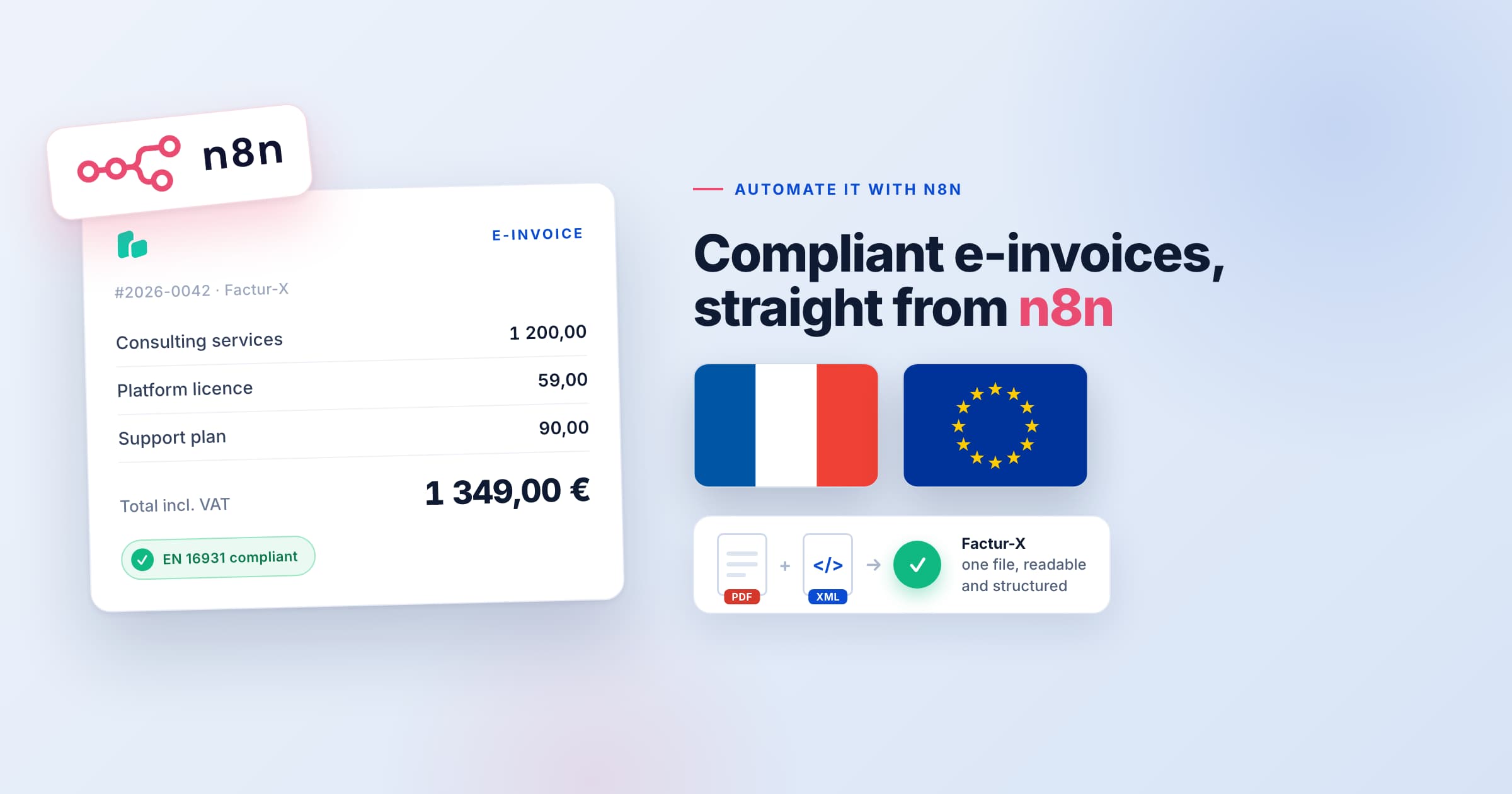
Is your ERP or invoicing software already producing compliant electronic invoices? In France the obligation has been live since 1 September 2026, and more countries follow every year. If your provider already covers it, you are set. If it does not yet, you do not have to wait for their roadmap. If your system already produces invoice PDFs, you are most of the way to a compliant electronic invoice, and you can close the gap yourself from an n8n workflow. The piece that is missing is structured data, and that is exactly what our electronic invoice endpoints add. This article shows how to go from the invoice data you already have to an EN 16931, XRechnung, or Factur-X file, using the e-invoice operations in our n8n node.
A PDF and an electronic invoice are two different things
An electronic invoice carries structured data in a fixed schema that accounting systems, ERPs, and tax authorities read directly, without anyone retyping the figures. A PDF on its own does not carry that data, so it does not meet EN 16931, the European semantic standard, and it will not pass the validation that more and more countries now require. The useful part is that you are already sending us the invoice data when you generate the PDF. The same JSON can produce the compliant file, so this is a reuse of what you have rather than a rebuild.
EN 16931, XRechnung, and Factur-X endpoints
The API works as a compliance layer. You send clean JSON, and you receive a validated, compliant file. JSON to XML transformation, schema mapping and validation, UBL and CII support, and embedded metadata are handled for you. Our guide to generating compliant invoices walks through the fields for each format.
POST /einvoicecreates an EN 16931 invoice, the European baseline.POST /einvoice/xrechnungcreates an XRechnung invoice as UBL or CII, for public sector and business transactions in Germany.POST /einvoice/facturxcreates a Factur-X invoice, also known as ZUGFeRD in Germany, a single file that is both a readable PDF (in the archival PDF/A-3 format) and an embedded XML payload, used in France and Germany.GET /einvoice/schemareturns the exact JSON the API expects, so you map your fields once.
Doing it in n8n
Our n8n node has an E-Invoice resource since version 0.5.1, with one operation for each endpoint above: Create E-Invoice, Create XRechnung E-Invoice, Create Factur-X E-Invoice, and Get Schema. The node signs every request with your PDF Generator API credential, so there is no token to paste and no HTTP Request node to configure. On self-hosted n8n you install it from Settings, Community Nodes, with the package name @pdfgeneratorapi/n8n-nodes-pdf-generator-api. If you already use the node, update it to see the new resource.
The same tools are also available through our MCP server, which exposes 49 tools, so an AI agent inside n8n can call them directly. A workflow to convert the invoices you already produce looks like this:
- Trigger on a new invoice or order in your system, from a webhook, a database row, or a node from your billing tool.
- Map your fields to the e-invoice shape in a Code node. Run the Get Schema operation once to see every field the API accepts.
- Add the PDF Generator API node, choose E-Invoice and Create Factur-X E-Invoice, pick your template, and pass the mapped invoice as Invoice Data. The EN 16931 profile is the default and keeps the full invoice in the embedded XML.
- Send the file on. The node returns the finished PDF as binary data, so Gmail, Google Drive, S3, or your ERP node picks it up without a conversion step.
Because Factur-X returns one file that is both the readable invoice and the machine data, you can replace the plain PDF you send today with the compliant version, and nobody downstream has to change how they open it.
What the invoice data looks like
The API expects the invoice in the Peppol BIS Billing 3.0 UBL shape, with ubl:Invoice as the root key and UBL element names such as cbc:ID and cac:AccountingSupplierParty. The object inside template.data below is exactly what goes into the node’s Invoice Data field. The example is trimmed; the workflow download builds the full payload, and Get Schema lists every field.
curl -X POST https://us1.pdfgeneratorapi.com/api/v4/einvoice/facturx \ -H "Authorization: Bearer <your-token>" \ -H "Content-Type: application/json" \ -d '{ "template": { "id": 12345, "data": { "ubl:Invoice": { "cbc:ID": "2026-0042", "cbc:IssueDate": "2026-09-15", "cbc:DueDate": "2026-10-15", "cbc:InvoiceTypeCode": "380", "cbc:DocumentCurrencyCode": "EUR", "cbc:BuyerReference": "PO-88213", "cac:AccountingSupplierParty": { ... }, "cac:AccountingCustomerParty": { ... }, "cac:TaxTotal": [{ ... }], "cac:LegalMonetaryTotal": { ... }, "cac:InvoiceLine": [{ ... }] } } }, "profile": "en16931", "output": "base64" }'Two details save a round of debugging. The template has to use the same UBL names in its fields ({cbc:ID}, {cac:Item::cbc:Name}), because a template built on friendly names like {invoice_number} renders blank. And the API sets cbc:CustomizationID for each format itself, so leave it out of your payload.
Switching to XRechnung or EN 16931
If your customer needs XML rather than a PDF, change the operation in the node to Create XRechnung E-Invoice or Create E-Invoice and keep the same Invoice Data. Both return UBL or CII XML, and neither needs a template. XRechnung is the stricter of the two, because it adds the German BR-DE rules on top of EN 16931: the seller contact name, phone and email (BT-41, BT-42, BT-43) and a buyer reference (BT-10) are mandatory. When a rule fails, the node shows the rule ID and the message from the validator, for example [BR-DE-5] Das Element "Seller contact point" (BT-41) muss übermittelt werden, so you know which field to add. The mapping in the workflow download always sends these fields, so one payload passes all three formats.
The same setup does more than invoices
The invoice endpoints sit on the same API as the rest of the platform, so the same n8n connection can also convert HTML to PDF with POST /conversion/html2pdf, produce accessible PDF/UA documents, and move a finished document into a review and sign flow. Once the node is in place, invoices are the first job it does, not the only one.
Ready to try it? Sign up and start right away, book a meeting with Michal, or read the electronic invoice documentation to see the full field list.